Payment Listings
Once plugin installed goto WooCommerce -> Settings -> Payments tab you will find the auxpay payment methods. Enable/disable to show/hide from frontend checkout page.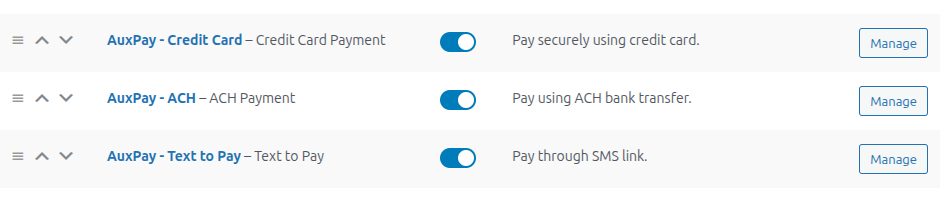
General Settings
For plugin settings goto WooCommerce -> Settings -> AuxPay Gateway tab. Put your API key and API Url provided by AuxVault and hit save. Then test api connection and hit fetch configuration, system will update needful settings for merchant.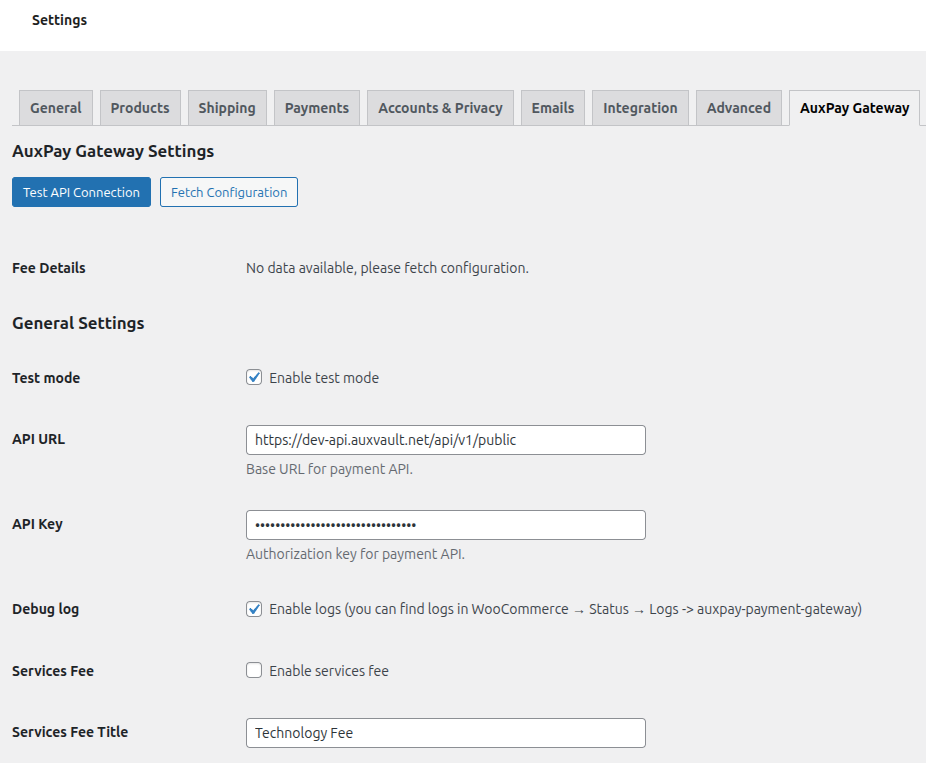
- Production: https://api.auxvault.net/api/v1/public
- Sandbox/Test: https://dev-api.auxvault.net/api/v1/public
Customized Labels
Other customizable settings include payment title and payment description which will be visible to frontend user.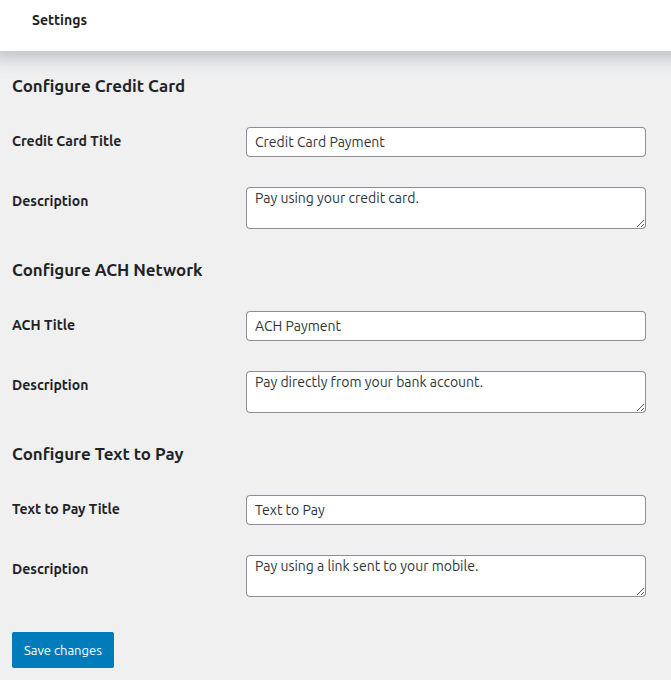
Debug Logs
If Debug logs are enabled then to review it goto WooCommerce -> Status -> Logs tab and search for auxpay-payment-gateway.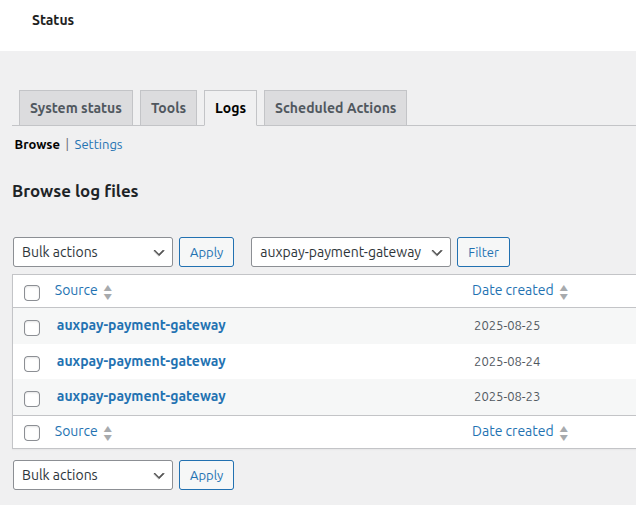
Refunds
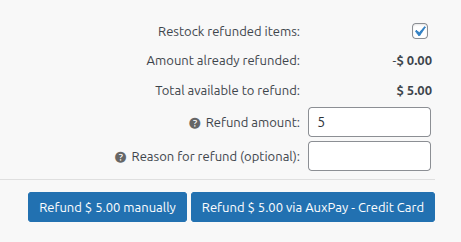
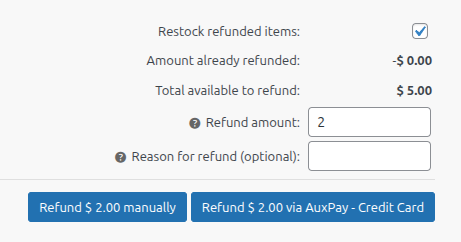
Merchant can initiate refunds from orders edit page. For full refund through payment processor put total amount.